The gap between what AI video can do and what most teams actually ship with it is enormous.
Generative models now produce broadcast-quality clips from a text prompt, yet most products still treat video as a static asset that a human editor renders overnight.
The bottleneck isn’t quality anymore; it’s integration.
If you’re building a product that needs video at any kind of scale, the real question is how you wire generation into your existing infrastructure.
That means working with an AI Video Generation API directly, not clicking around inside a web UI.
Why an API Changes the Math
A standalone AI video tool is fine for one-off projects.
You log in, type a prompt, wait, download an MP4, and drop it into your timeline.
But the moment you need fifty variations of a product demo, or you want to generate a clip every time a user triggers an event in your app, that workflow collapses. An API flips the model entirely.
Your backend sends a request with a scene description, duration, aspect ratio, and style parameters, then gets a rendered video back.No human in the loop unless you want one.
That’s the difference between using AI video as a novelty and using it as a production layer.
The cost structure shifts too.
Most API providers price per second of generated footage or per request, which means you can forecast spend the same way you’d budget for cloud compute or CDN bandwidth.
Predictability matters when you’re pitching a feature to stakeholders who want unit economics, not magic demos.
What to Look For in an AI Video API
Not every API is built for the same use case.
Some are optimized for photorealistic output, others for stylized motion graphics or avatar-driven talking heads.
Before you commit, a few things are worth evaluating:
- Latency and rendering time. Some providers return a webhook when the video is ready, while others stream frames progressively. If your use case is near-real-time, rendering speed is non-negotiable.
- Input flexibility. Can you pass in reference images, audio tracks, or existing video clips alongside text prompts? The more modalities the API accepts, the tighter the output matches your creative intent.
- Resolution and format options. 1080p is table stakes. You want control over codec, frame rate, and aspect ratio without needing to post-process every output through FFmpeg.
- Consistency controls. Generating a single great clip is easy. Generating a hundred clips where the same character appears with consistent features across all of them is hard. Look for seed locking, character persistence, or style reference features.
The Integration Pattern
Most AI video APIs follow a familiar async pattern.
You POST a generation request, receive a job ID, and then poll or listen for completion.
It’s not that different from working with a transcription service or a render pipeline.
A typical flow looks something like this.
Your application collects the inputs- a script, a voice track, maybe a brand asset- and assembles them into the API request body.
The API queues the job, processes it on GPU infrastructure you don’t have to manage, and returns a download URL when the video is ready.
From there, your app pushes the file to storage, updates the user’s dashboard, or feeds it straight into a distribution pipeline.
Where things get interesting is orchestration.
If you’re generating a series of clips for a multi-part product tour, you probably want each segment to maintain visual continuity.
That means chaining requests where the output metadata of one generation informs the input of the next.
Some APIs support session-based generation natively, while others require you to manage that state yourself.
Common Pitfalls
The first thing most teams underestimate is prompt engineering for video.
Text-to-image prompting has been around long enough that people have intuition for it, but video adds temporal complexity.
You’re describing motion, pacing, camera behavior, and scene transitions, not just a static composition.
Specificity in describing action beats consistently outperforms generic descriptions.
Something like “camera slowly pans left as the subject turns to face the window” will always produce better results than “person in a room.”
Another pitfall is ignoring audio.
AI video without synchronized sound feels incomplete to end users, even if the visuals are stunning.
Some APIs bundle text-to-speech or soundtrack generation.
If yours doesn’t, plan for an audio pipeline that runs in parallel and syncs at the mux stage.
Then there’s the moderation layer.
Generated video can produce unexpected content, especially with open-ended prompts.
Any production deployment needs a review step, whether that’s automated content filtering, human QA, or both, before the output reaches your users.
Where AI Video Is Headed
The trajectory is clear.
Costs are dropping, quality is rising, and latency is shrinking.
Twelve months ago, generating a single high-fidelity clip took minutes.
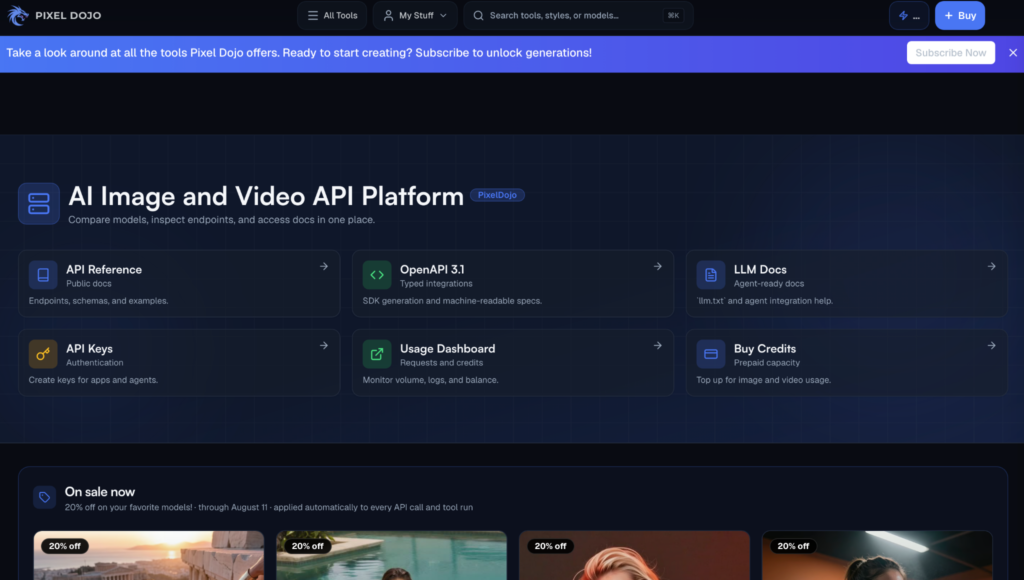
Several providers now return usable output in under thirty seconds, and platforms like Pixel Dojo are making it easier for developers to experiment with different generation models through a single integration point.
Real-time generation, where you stream AI video as it renders, is still early but progressing fast.
For developers, the practical implication is that AI video is moving from experiment to standard infrastructure component.
The same way you’d integrate a payment gateway or a notification service, you’ll integrate a video generation endpoint.
Products that figure out this integration early will have a significant head start, because the creative possibilities compound once generation is embedded in your stack rather than bolted on as an afterthought.
The tooling ecosystem is maturing quickly too.
Open-source wrappers, SDKs in Python and TypeScript, and provisioning modules for GPU-backed rendering queues are showing up regularly.
The barrier to entry is lower than it’s ever been, which also means your competitors are evaluating the same APIs you are.
Getting Started
Pick a use case that’s narrow enough to ship fast but repeatable enough to justify the integration effort.
Personalized video thumbnails, automated product demos, or dynamic social clips are all solid starting points.
Prototype against the API’s free tier, validate that the output quality meets your bar, then build the pipeline.
The best approach is treating AI video generation the same way you’d treat any other microservice.
Well-defined inputs, predictable outputs, proper error handling, and observability from day one.
Glamorous technology, unglamorous engineering.
That’s how it ships.