
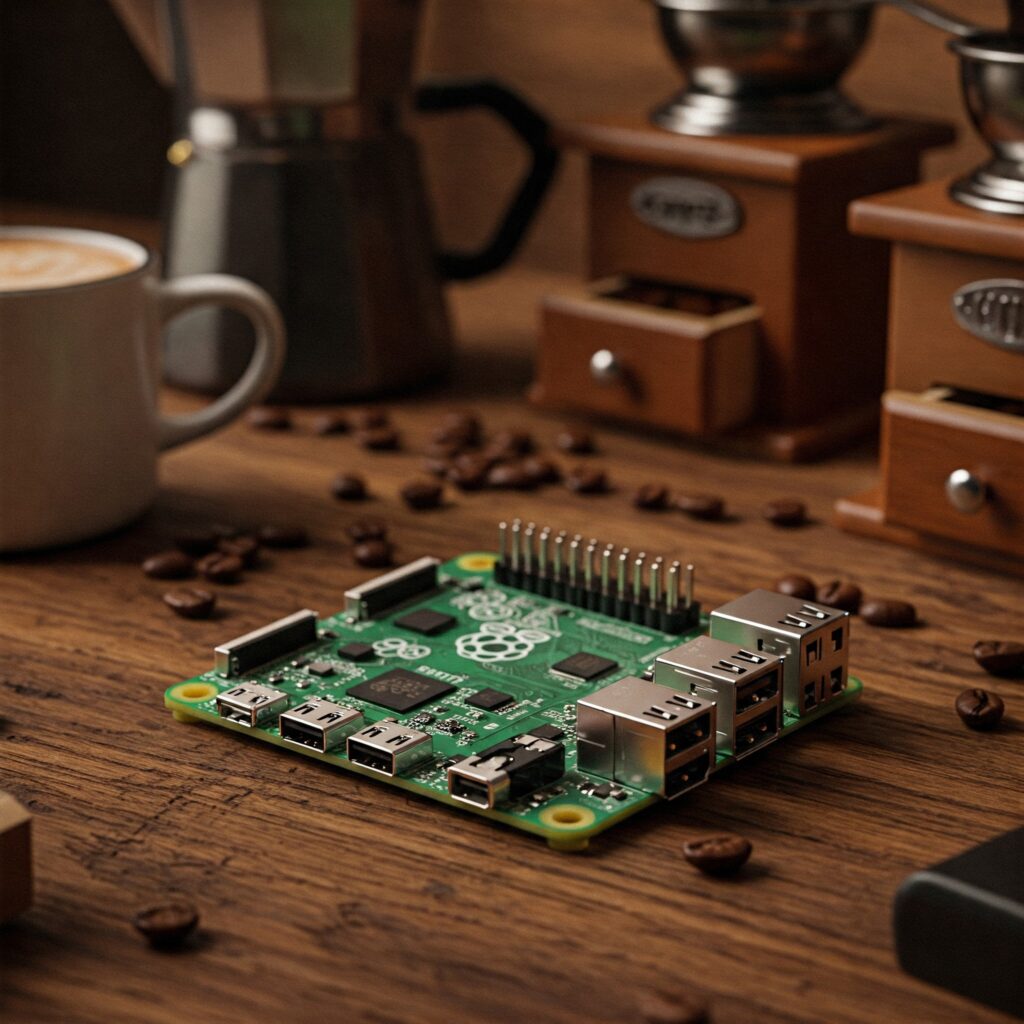
Best Raspberry Pi 5 microSD Cards: Speed, Reliability, and Value

A Raspberry Pi 5 can feel surprisingly capable as a desktop, media player, home server, or coding machine—but storage can limit how responsive it feels. The microSD card holds the operating system, applications, and often your project data, so its small-file performance and endurance matter at least as much as the headline read speed.
This refreshed guide compares five widely available cards for different Raspberry Pi 5 workloads. Manufacturer speed figures are maximums measured under suitable conditions, not guarantees of the performance you will see in a Pi. For an everyday setup, choose a genuine, reliable card; for frequent writes or sustained workloads, consider endurance or USB-attached SSD storage.
What to Look for in a Raspberry Pi 5 microSD Card
- Application performance: A1 or A2 ratings specify minimum random IOPS under defined test conditions. They can help with operating-system and app access, though results depend on the host and workload.
- Sequential speed: UHS speed ratings such as U1 and U3 indicate minimum sustained write speeds under specified conditions. V30 guarantees at least 30 MB/s sequential video writing. These symbols do not tell the whole story about Linux responsiveness.
- Capacity: A 64GB or 128GB card is enough for many desktop and learning projects. Choose more space for local media, datasets, or multiple operating-system images.
- Endurance: Logging, databases, and continuous camera recording write data repeatedly. An endurance-focused model is a better fit than a general-purpose card, though no card is immune to wear or failure.
- Authenticity and backups: Buy from a reputable seller, verify capacity, and keep a backup. Counterfeit cards can report false capacities or fail early.
The Pi 5’s processor and memory can deliver a substantial step up from older Raspberry Pi models, but that does not make every microSD card fast. If your work depends on sustained storage activity—such as building software or processing large files—an external SSD connected over USB 3.0 may be a better upgrade than paying extra for a premium microSD.
Top 5 microSD Cards for Raspberry Pi 5
1. Samsung Pro Ultimate — Best for Performance
Advertised specifications: UHS-I, U3, V30, and A2; up to 200 MB/s read and 130 MB/s write, depending on capacity and test conditions. The Pro Ultimate is a high-performance general-purpose option for users who want a responsive system and substantial transfer speeds.
It suits a Pi used for coding, desktop applications, emulation, or media projects. A2 is a useful indicator for random access, but it does not promise that a Raspberry Pi will achieve the card’s full advertised IOPS. The Pi’s card interface, operating system, and workload all affect real-world results.
- Pros: Strong advertised read and write speeds; A2 rating; available in several capacities.
- Cons: Often costs more than a basic card; a USB SSD can be a better value for sustained heavy work.
2. Silicon Power 3D NAND — Best for a Budget Build
Advertised specifications: UHS-I, Class 10, with listed maximum speeds of up to 100 MB/s read and 80 MB/s write for some versions. Exact performance and capacity options can vary by product listing, so check the package and seller details before ordering.
This is a reasonable low-cost choice for a lightweight Raspberry Pi OS installation, learning to code, or a project that does not constantly write large amounts of data. For a home server with frequent database updates or continuous recording, spend more on an endurance model or move the workload to an SSD.
- Pros: Often affordable; adequate for basic operating-system and hobby use.
- Cons: Less clearly positioned for intensive, continuous writes; verify the exact model and capacity.
3. Samsung Pro Endurance — Best for Continuous Recording
Advertised specifications: UHS-I, U3, and V30, with read speeds up to 100 MB/s and write speeds up to 40 MB/s. Samsung markets this range for endurance-focused uses such as monitoring and recording; the stated recording-hour figure depends on capacity and test conditions.
Choose this card for a Pi camera, security recorder, or sensor system that writes data regularly. Its purpose is durability over repeated recording rather than leading the pack in write speed. For a database or application that generates constant writes, also consider limiting unnecessary logs and backing up important data.
- Pros: Designed for recording workloads; useful for always-on projects.
- Cons: Lower advertised write speed than performance-oriented models; not a substitute for backups.
4. Kingston Canvas React — Best Balanced Option
Advertised specifications: UHS-I, U3, and V30, with listed maximum speeds of up to 100 MB/s read and 80 MB/s write. Confirm the exact capacity and product version: specifications and availability can differ between listings and generations.
This card offers a practical middle ground for general desktop use, media playback, and emulation. It is not an endurance-specialist model, so it is less compelling for constant recording. For an everyday Pi that boots from microSD and saves occasional project files, it is a sensible category of card to consider.
- Pros: Balanced advertised speeds; suitable for everyday projects and media.
- Cons: Not specifically designed for round-the-clock recording or heavy write workloads.
5. SanDisk Extreme A2 — Best All-Rounder
Advertised specifications: UHS-I, U3, V30, and A2; up to 160 MB/s read and 90 MB/s write, depending on capacity and the reader used for testing. It is a versatile choice for operating systems, applications, and projects with frequent access to small files.
Consider it for a Pi used as a desktop, development machine, or compact media system. An A2 rating is helpful when comparing cards, but Raspberry Pi results may not match the label’s benchmark conditions. If you notice heat during sustained activity, check airflow and workload as well as the card; the Pi 5 itself may need cooling under extended processor load.
- Pros: A2 rating and strong advertised speeds; broad capacity range.
- Cons: Performance varies by capacity and host; not an endurance-focused product.
Quick Comparison
| Card | Rating | Advertised maximum read | Advertised maximum write | Best suited to |
|---|---|---|---|---|
| Samsung Pro Ultimate | U3, V30, A2 | Up to 200 MB/s | Up to 130 MB/s | Performance-focused projects |
| Silicon Power 3D NAND | Class 10; check exact listing | Up to 100 MB/s | Up to 80 MB/s | Budget, general use |
| Samsung Pro Endurance | U3, V30 | Up to 100 MB/s | Up to 40 MB/s | Recording and logging |
| Kingston Canvas React | U3, V30 | Up to 100 MB/s | Up to 80 MB/s | Everyday use and media |
| SanDisk Extreme A2 | U3, V30, A2 | Up to 160 MB/s | Up to 90 MB/s | Balanced app and project use |
These figures are manufacturer-rated maxima, not a direct Raspberry Pi 5 benchmark. A card’s measured performance can vary by capacity, firmware, reader, operating-system image, and test method. For a fair comparison, test cards in the same Pi using the same image and benchmark; do not use peak sequential speed alone to predict boot or application responsiveness.
How to Choose for Your Project
- Desktop, coding, or emulation: Start with a reputable A2 card such as the Samsung Pro Ultimate or SanDisk Extreme. If builds or large file transfers are frequent, consider USB SSD storage.
- Camera or 24/7 monitoring: Favor the Samsung Pro Endurance and plan a backup or replacement schedule for important recordings.
- Beginner or low-cost project: A genuine, basic card can run Raspberry Pi OS comfortably for modest tasks. Put the savings toward a quality power supply or cooling if needed.
- Media center or projector setup: Choose capacity for your operating system and local media, then test playback with your intended files. See How To Connect Raspberry Pi to a Projector for display setup guidance.
For benchmarking, use the same workload on each card and repeat the test. A sequential transfer test measures large-file throughput; a random I/O test is more relevant to many small operating-system files. Keep the Pi’s cooling and power consistent too. Sustained processor tests can throttle when the board gets too hot; How To Cool Down Raspberry PI covers practical cooling options.
A Pi can also run a small, experimental miner, but a microSD card will not make cryptocurrency mining profitable. Treat it as a learning project rather than a substitute for specialized hardware, and be mindful of power use and heat. For setup context, read How to Set Up a Raspberry Pi Crypto Miner.
Conclusion
The best Raspberry Pi 5 microSD card depends on the work you expect it to do. Choose the Samsung Pro Ultimate or SanDisk Extreme for a fast, versatile setup; the Samsung Pro Endurance for continuous recording; and a reputable budget card for lighter projects. Kingston’s Canvas React is another balanced everyday option.
Before buying, verify the exact model, capacity, and seller rather than relying on a speed number alone. Keep backups of anything important, and move write-heavy or performance-sensitive workloads to a USB SSD when a microSD card becomes the bottleneck. The right storage choice will not change the Pi 5’s processor benchmarks, but it can help the whole system feel more dependable and responsive.